Novel Signer Novel Signer
Send for signature. Signed with real DSCs.

Send a document for signature. Every signer uses their own DSC token.

Route a PDF to as many signers as you need. Each one signs on their own machine with their own token, so the keys and the PIN never move and the document is never uploaded. You get one PDF carrying real DSCs, and a completion certificate to prove it. Sending and signing requests require an active trial or paid plan.

Novel Signer placing its standard certificate signature on a PDF

Sign one file, a folder, or send it to five people

Batch signing, a folder watcher that signs as files land, PDFs and JSON and XML, and signature placement you drag on a live preview. And routing: send a document to as many signers as you need, each signing on their own machine with their own token.

Send to many signers

Place a signature field per recipient and send. Each signer signs on their own machine with their own token, and you get one PDF carrying every signature plus a completion certificate. Sending and signing requests require an active trial or paid plan.

Your token, not ours

PKCS#11 hardware tokens including HyperSecu, ProxKey, SafeNet and ePass2003, or a P12/PFX file. The private key never leaves the token and the PIN never leaves your machine.

Batch and Auto-pilot

Sign a folder of documents in one pass, or point Auto-pilot at a watched folder and let it sign new files as they land. Filing season stops being a day of clicking.

Anyone can check it

Signed files verify against the CCA India roots in any browser, free and without an account. The verifier has no network client compiled into it, so your document is never uploaded.

PDFs, JSON and XML

Sign structured JSON and XML from the same desktop flow used for PDFs, without switching tools or rebuilding your signing process.

Placement you can see

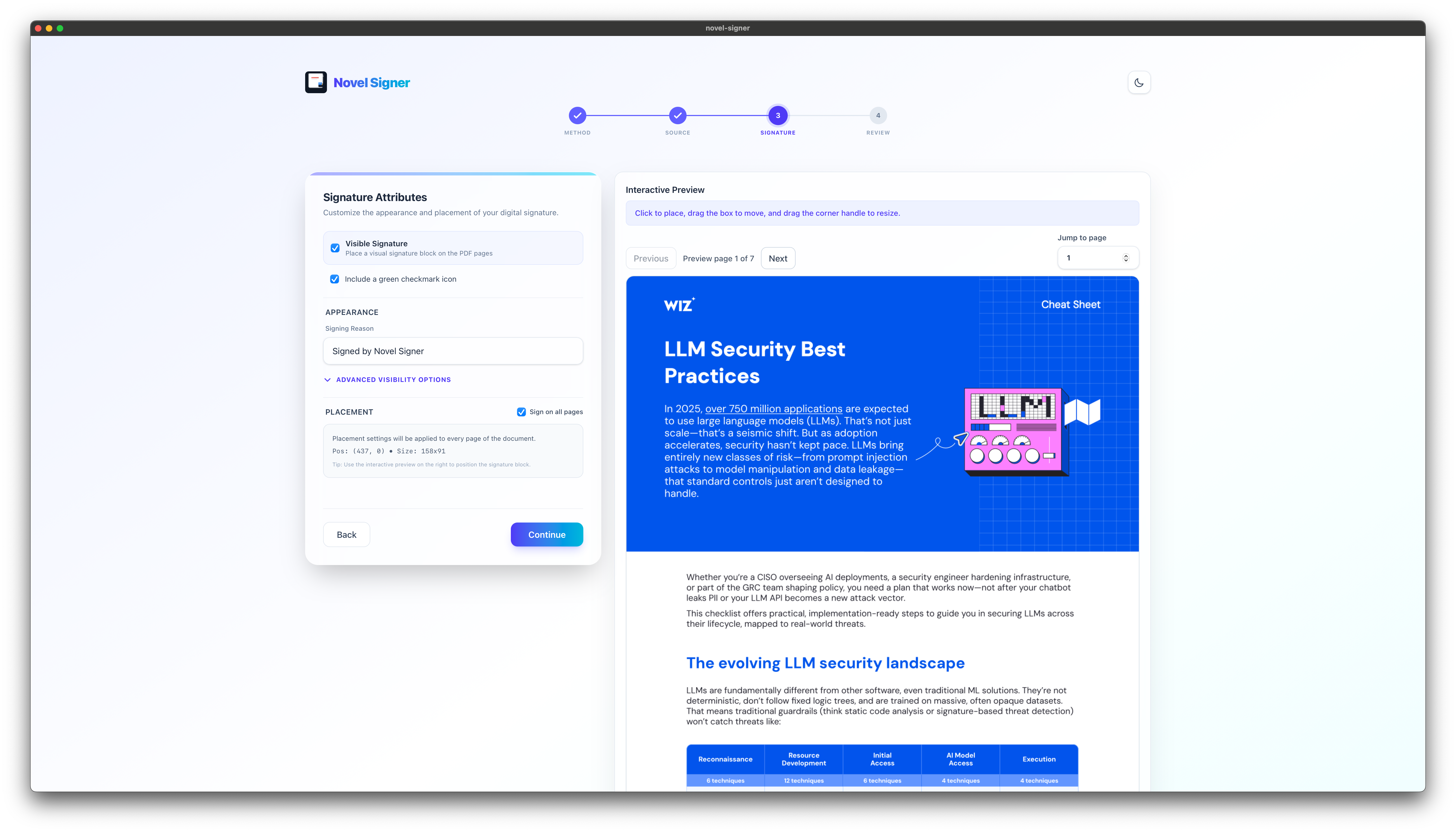
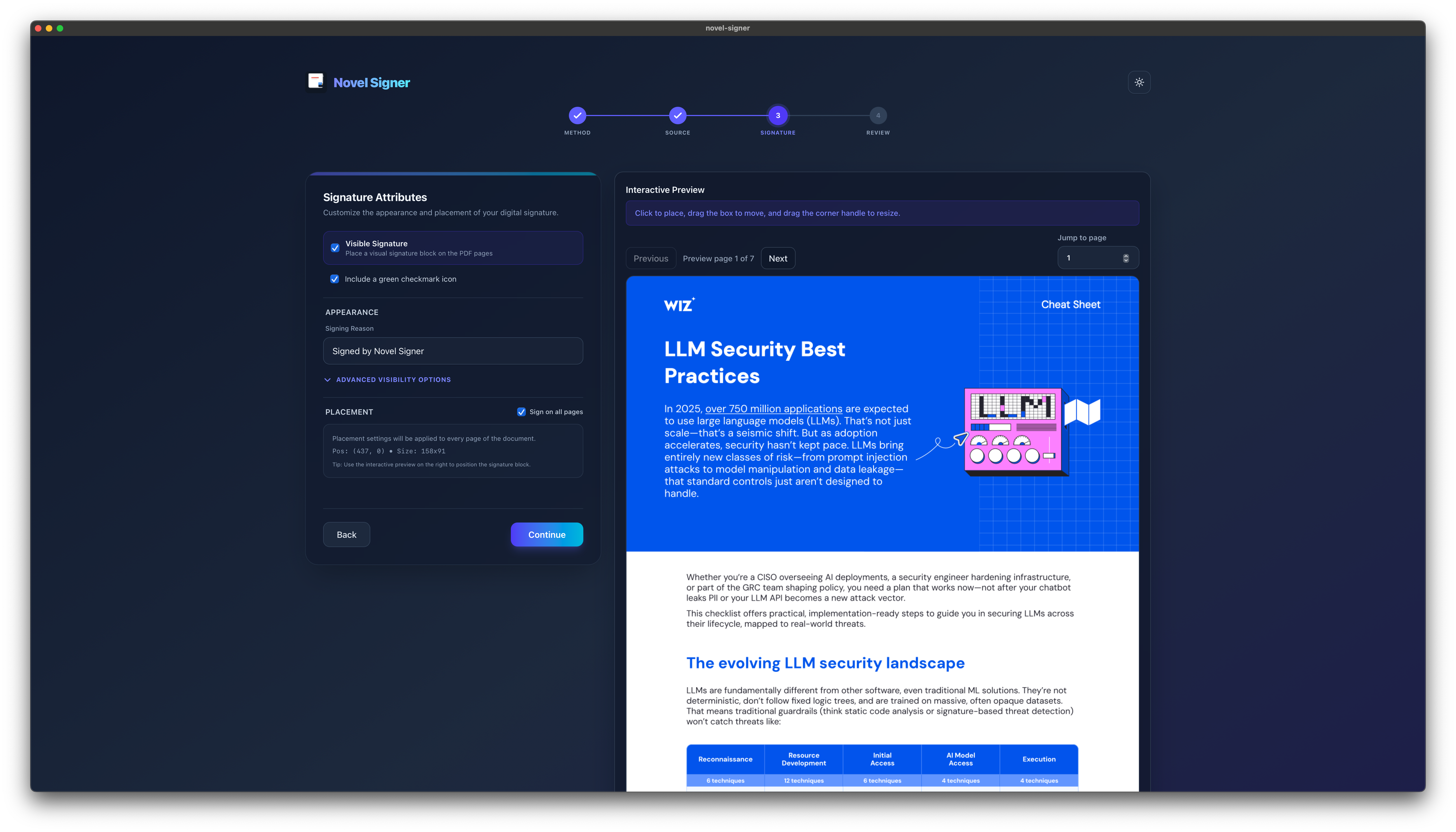
Drag the signature box on a live preview, or draw a free-hand mark. Convert images into signable PDFs with size limits enforced before a batch starts.

How the signing actually works

What gets applied to the document is the certificate on your own DSC token. The private key never leaves it: the signing happens on the token itself, and the PIN never leaves your machine. For a statutory filing, a board resolution, or anything where the certificate is the legal instrument, that is the point.

It all happens inside a native desktop app on Windows, macOS and Linux. No Java runtime, no browser helper, and no always-on service listening on a port on your machine. You install one app, and it talks to the token directly.

Routing works the same way. Place a signature field for each recipient and send. Every signer signs on their own machine with their own token, so nothing about the keys moves and the document is never uploaded to us. You get back one PDF carrying every signature, and a completion certificate recording who signed what and when.

Anyone can check the finished file against the CCA India roots in our free browser verifier, with no account and nothing to install. The proof does not depend on trusting Novel Signer.

There is a trade: your signers install a desktop app instead of clicking a link in an email. That is what it costs for the signature to be genuinely theirs, and each signer needs an active trial or paid plan.

Mobile companion

Start on your phone. Sign with the credential on your desktop.

Novel Signer Mobile lets you choose a PDF on your phone, send it to your signed-in desktop for DSC-backed signing, and receive the signed file back on your phone.

Your signing key and DSC PIN stay on the desktop. PDF contents travel over an encrypted peer-to-peer connection and are not uploaded to Novel Signer servers.

01 · Choose

Pick a PDF

Select the document you need signed directly from your phone.

02 · Verify

Pair securely

Find your desktop or enter its pairing code, then compare the short security code.

03 · Return

Get it back

Your desktop signs locally and streams the finished PDF back for saving or sharing.

Execution Process

From source file to signed output in three steps.

01

Connect the Credential

Use a USB token or load a certificate file, then validate access directly from the signing workspace.

02

Choose the Input Flow

Sign PDFs, JSON, or XML directly, convert images into PDFs with size limits, or point Auto-pilot at a watched folder.

03

Review and Execute

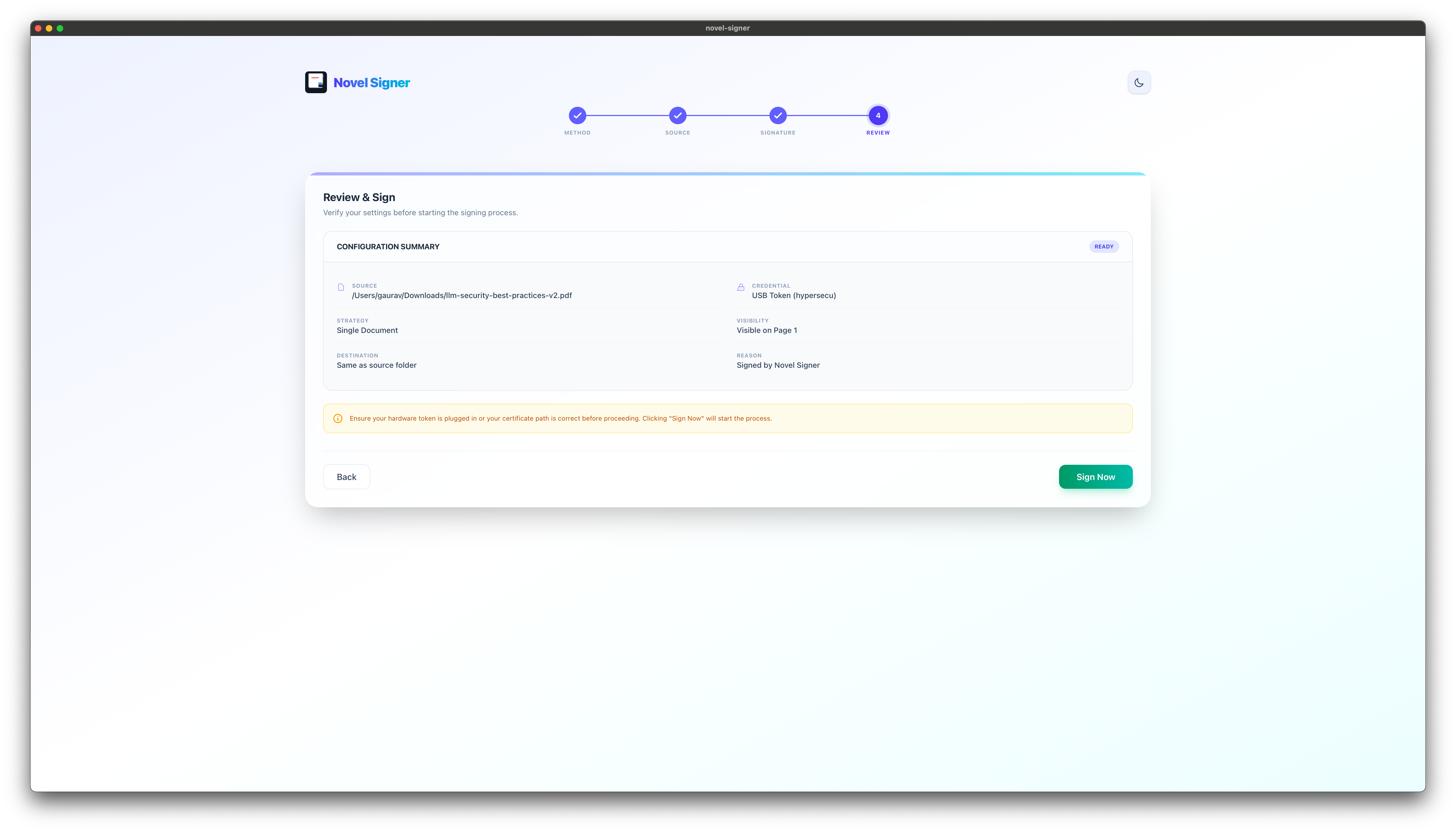
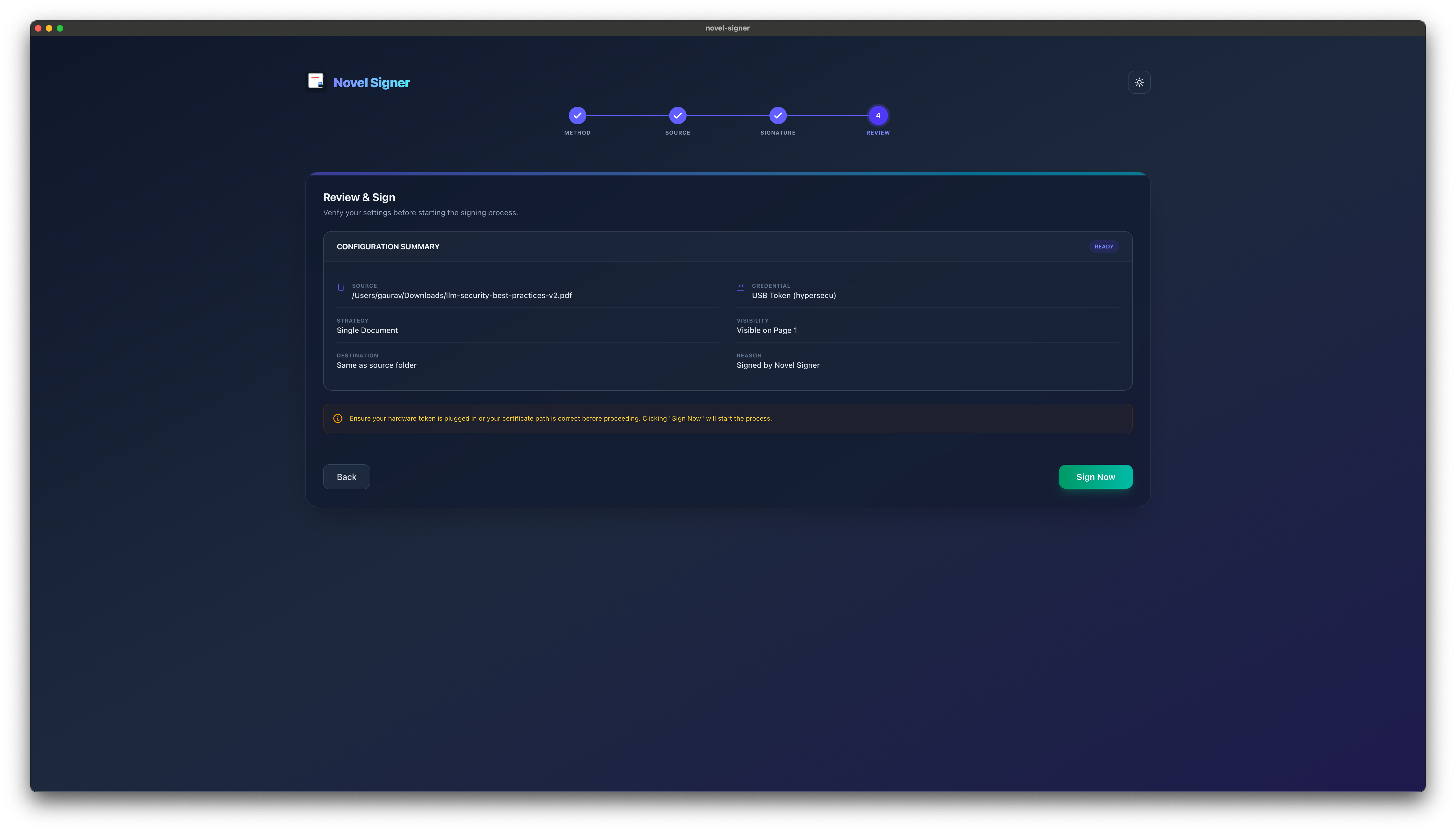
Place a visible or free-hand signature, confirm the request, and export signed outputs with trackable results.

Best Fit

Enterprise Desktop Environments

Novel Signer is the perfect match for teams handling repeated signing work across desktop environments, mixed file types, and monitored intake folders.

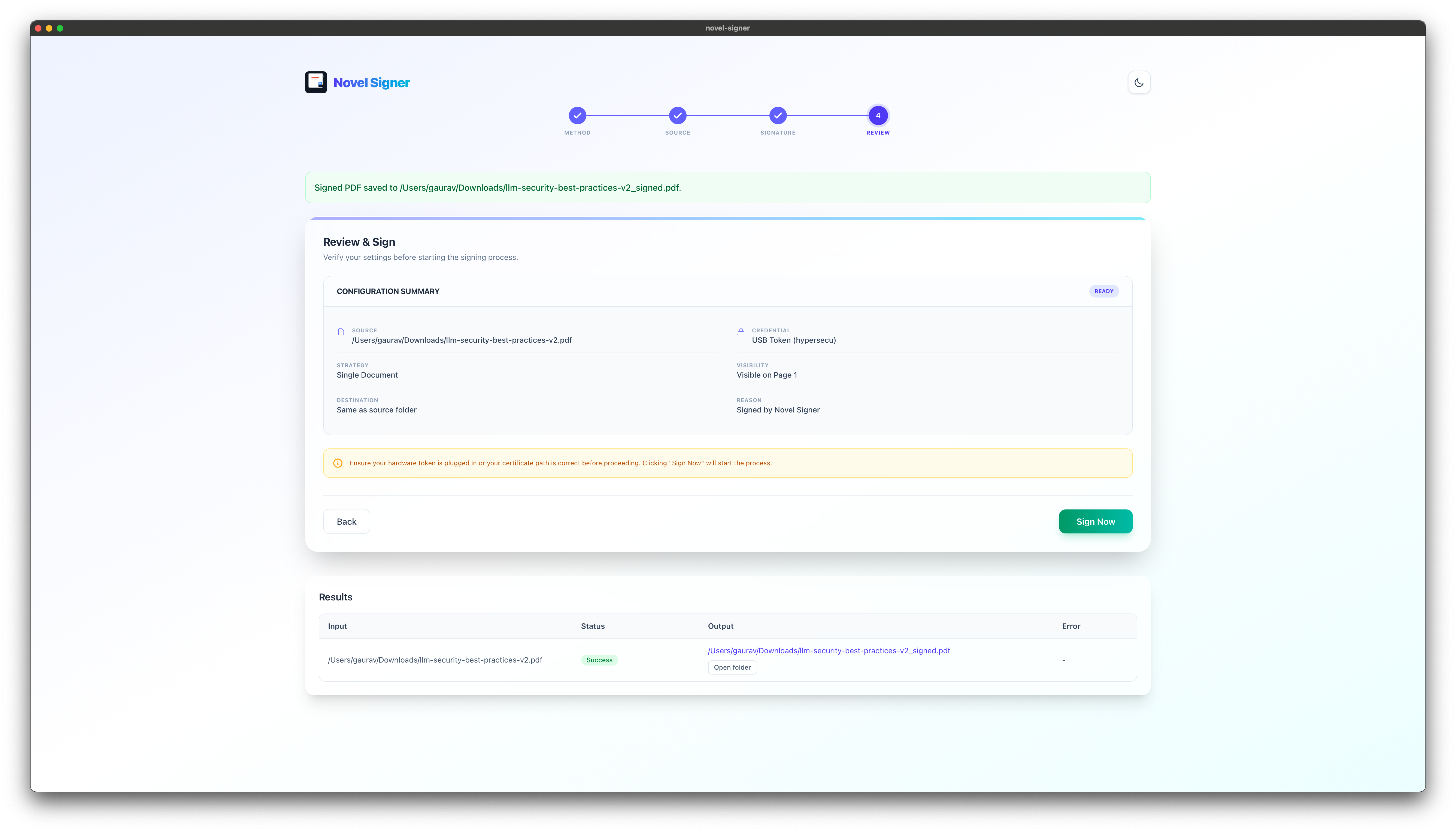
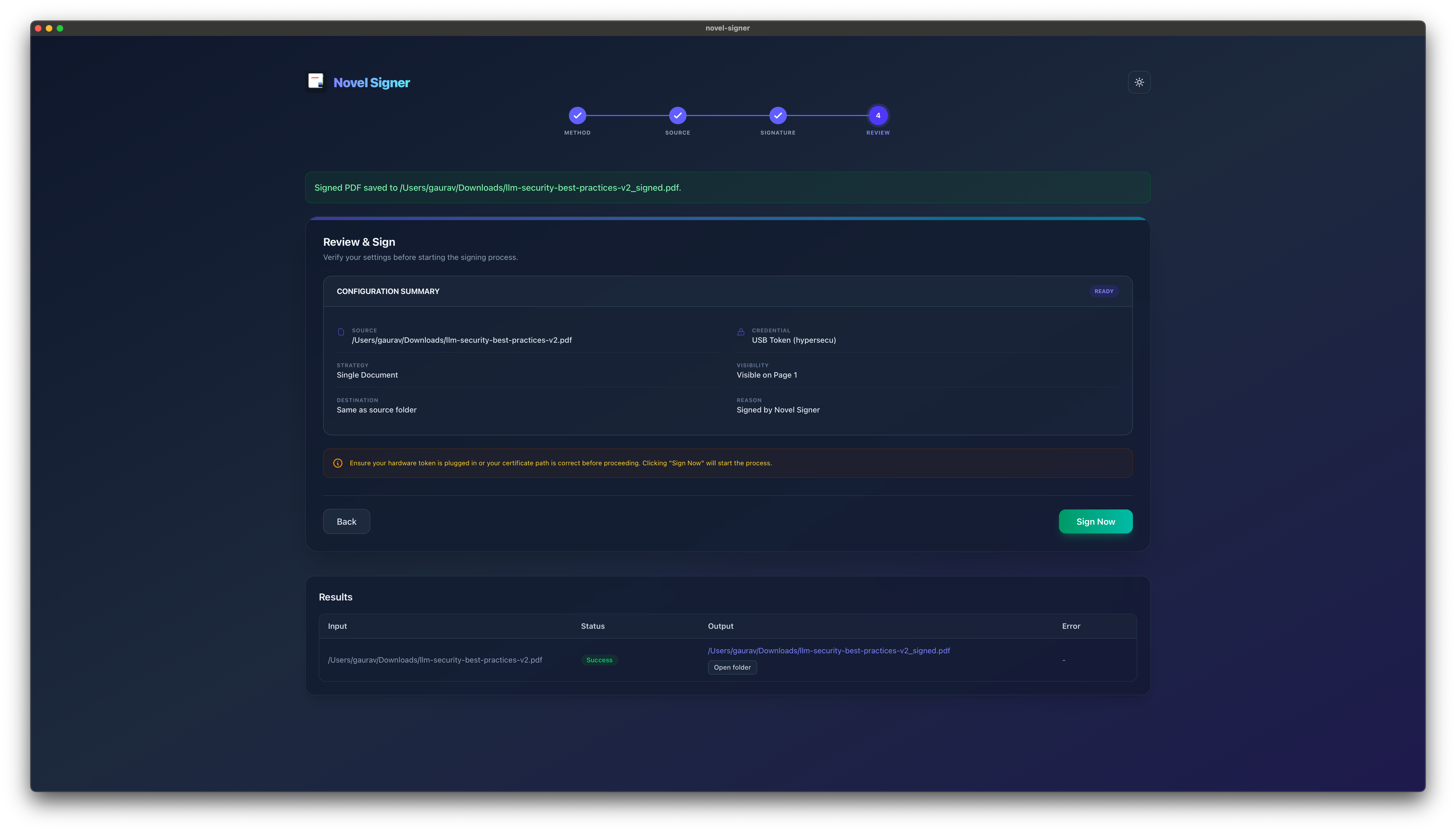
Successful PDF signing results
Signed successfully
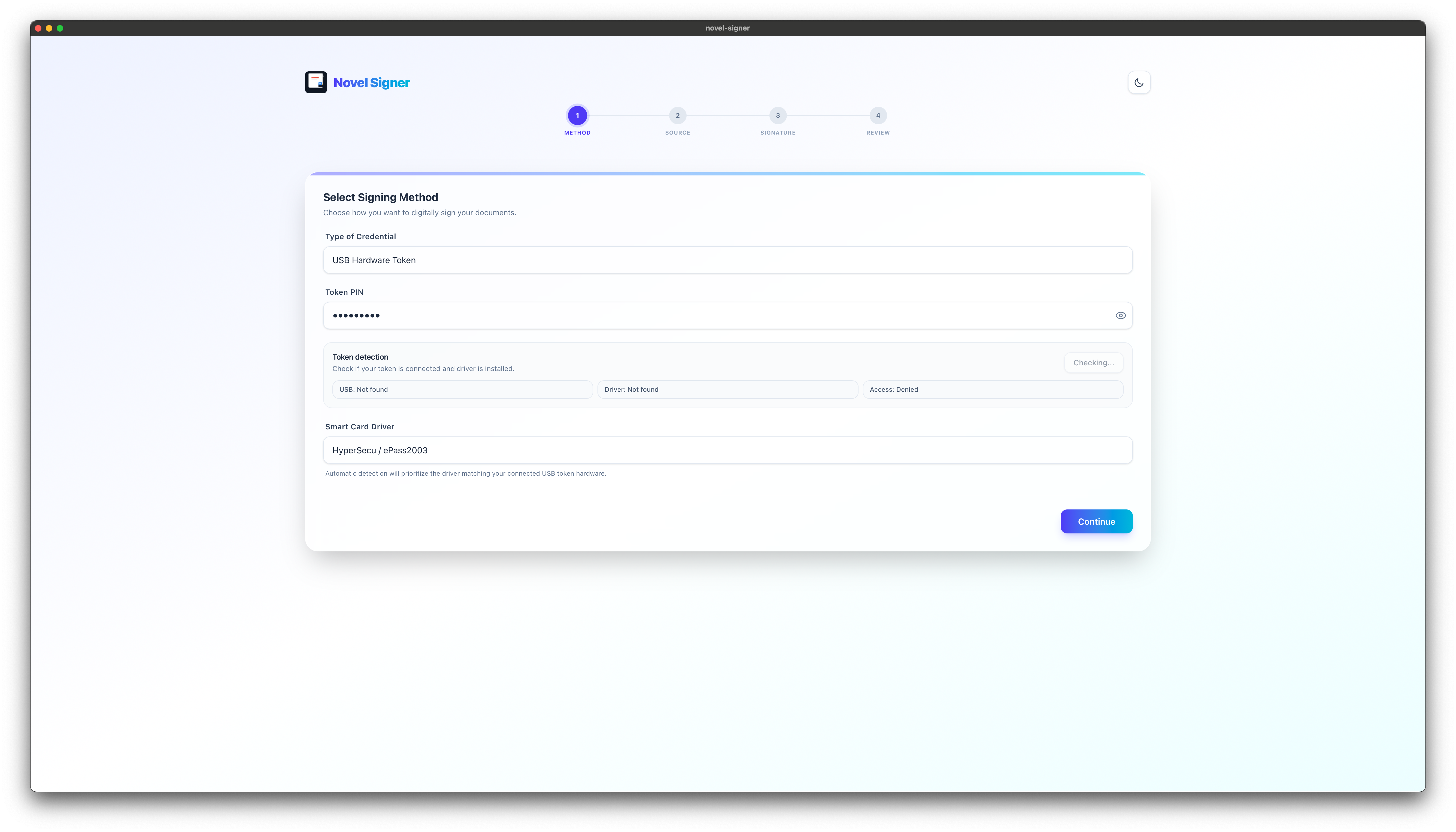
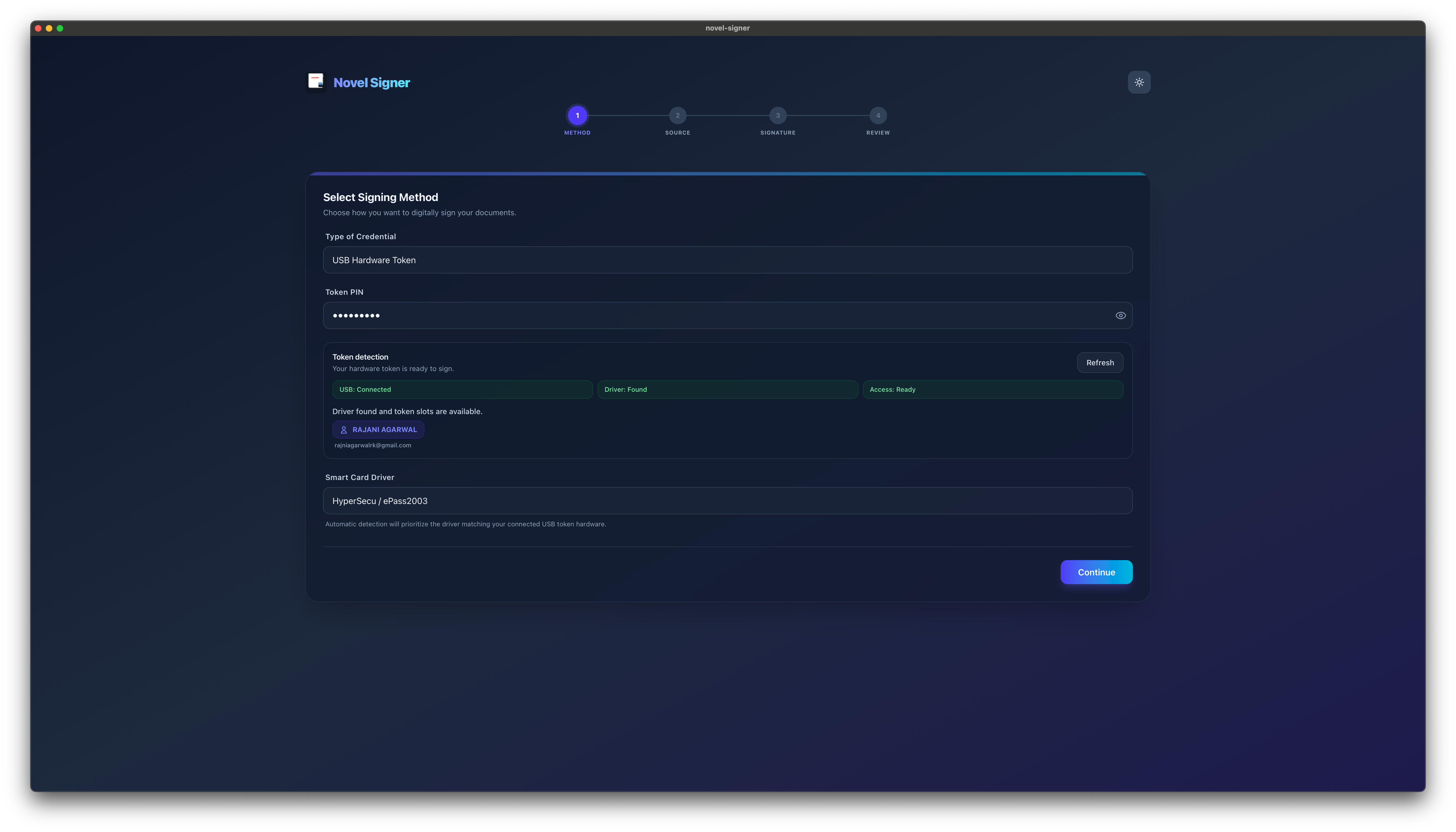
Digital certificate signing method ready to use
Choose a credential
Freehand signature positioned on a PDF
Place it exactly

Pricing

Plans for every signing setup

Free includes manual single-PDF signing on desktop, portal signing, and signature verification. Trial and paid plans unlock mobile signing, requests, batch signing, Auto-pilot, and other formats. Paid tiers differ by device allowance. A seat is one device, so a two-person firm with a laptop and a desktop each needs four. New organizations start on a 15-day trial with everything unlocked and no card. After your trial or paid access ends, your account moves to Free. All paid prices include GST.

Free

₹0 · No subscription

Sign as many local PDFs as you need, manually, one document at a time on desktop. Includes portal signing and two device seats. Verify signatures without using a seat.

Use your own hardware token or P12/PFX certificate. A signing certificate is not included.

New organizations start with a 15-day trial of the full feature set. When trial or paid access ends, Free remains available.

Download the desktop app
Compare Free with trial and paid plans
FeatureFreeTrial / paid
Manual signing of one local PDF at a time on desktopUnlimitedUnlimited
Portal signing on desktopIncludedIncluded
Signature verificationIncluded; no seat requiredIncluded; no seat required
Mobile signing and phone-to-desktop signing—Included
Sending and signing received requests—Included
Batch signing, Auto-pilot, and other formats—Included
Loading current pricing...
Security

Built for controlled environments.

Novel Signer is designed for teams that need local control over files, deliberate credential use, and repeatable signing workflows without pushing sensitive signing operations into a browser tab.

Local File Handling

Source files, converted images, and signed outputs stay within your desktop workflow unless you explicitly share them.

Credential-Aware

Use PKCS#11 hardware tokens or certificate files in a dedicated signing flow built around operator validation.

Input Guardrails

Apply size limits for image-to-PDF intake and validate inputs before execution to reduce bad batch runs.

Traceable Results

Review placement, confirm actions, and track outcomes across manual and Auto-pilot signing runs.

Operational Posture

  • Desktop-first execution keeps signing workflows closer to enterprise-managed devices and operator controls.
  • Visible preview and free-hand placement reduce mistakes before a signature is committed to output.
  • Folder watcher automation supports repeatable intake while keeping review and downstream output flows predictable.
  • Support requests can be sent to [email protected] for security and deployment discussions.

Ready to streamline every signing path?

Download Novel Signer today and bring PDFs, structured files, scanned images, and watched-folder signing into one desktop workflow.

Also on mobile